
Start with the scene you have
Use the doorway, people and situation already present. A brief tangle at a tavern door can add a smile without introducing a new encounter.
DM & session
One ordinary doorway.
One harmless comic snag.
Several ways through.

A small moment at the threshold
Keep the character capable and the scene moving.
Use the doorway, people and situation already present. A brief tangle at a tavern door can add a smile without introducing a new encounter.
Read the short line, show the comic detail and offer practical responses. Keep the outcome and the character ability with your table.

A garden gate with awkward proportions
A tall adventurer ducks beneath a small garden gate while the party watches. Choose the affected character, the tone and the ordinary doorway problem to suit a similar moment in your scene.
Try a stick, creak, bell, spring-back or two people arriving together. Keep it a harmless snag with a useful way through rather than a lock puzzle, trap or injury.
What you can prepare
Shape the little problem without changing what the scene is about.
Describe a door, gate, hatch or curtain and the scene around it. Keep the problem small enough for the party to move on.
Name the affected character and the situation. Let the comic moment fit the person and place already at the table.
Shape the humour around a sticking door, a creak, a bell, a spring-back, push-or-pull confusion or two people arriving together.
Receive a short, ready table line first. Use the visible detail to introduce the snag without pausing for a new encounter.
Prepare several workable responses to the same little problem. Let the players choose how their characters get past it.
Name an ability you want the moment to leave untouched. Frame the humour around the doorway rather than making the character incompetent.
Refine the ways through, an avoid list and private Dungeon Master context. Include a clearly labelled rule suggestion only when it helps.
Review the moment, edit the text and keep useful sections locked while trying another version of the comic detail.
Save, reopen, rename, duplicate and search records. Use tags and annotations, delete old material and revisit a twelve-version history.
Copy the table line, full Dungeon Master record or player-facing view. Download the structured record or print the version you choose.

A curtain that announces every step
A conservatory curtain of tiny bells can make a quiet passage noisier. Describe the doorway, who reaches it first, the situation and the tone before choosing the problem.
Review the read-aloud line and practical ways through. Leave any stealth outcome with the table; edit, lock or reroll the moment until it fits your existing scene.
Quick setup. Deeper preparation.
Use a short line at the table or develop a fuller Dungeon Master record.
Describe the scene, choose the affected character and set the tone. Pick the doorway problem and read the ready line first.
In Deep preparation, name an ability you want the moment to protect. Make the doorway the source of the comedy.
Refine the ways through and an avoid list. Use a clearly labelled rule suggestion as an optional aid when helpful.
Add Dungeon Master notes, review the result and edit or lock useful sections before trying another version.

Push, pull and a moment of confusion
At a seaside cottage, one companion pushes while another holds the door from inside. A little push-or-pull confusion becomes a visible moment the table can understand immediately.
Read the short line and offer several practical ways through. The doorway joke stays self-contained; it does not need an ambush, a new person, breakage or a terrible landing.
Account records and table references
Save the version you like and choose what to bring to the table.
Save, reopen, rename, duplicate and search records. Use tags and annotations to keep doorway moments beside your session material.
Revisit earlier versions or delete old material. Edit, lock and reroll while preserving the parts you want to use.
Copy the short table line first, the full Dungeon Master record or the player-facing view. Review private notes before sharing.
Download the structured record or print the chosen version. Keep the visible moment and practical ways through together.
Your desktop and related products
Open your products through your account and use the material at the table.

Open your VISINVOKE products through one signed-in Windows desktop workspace.
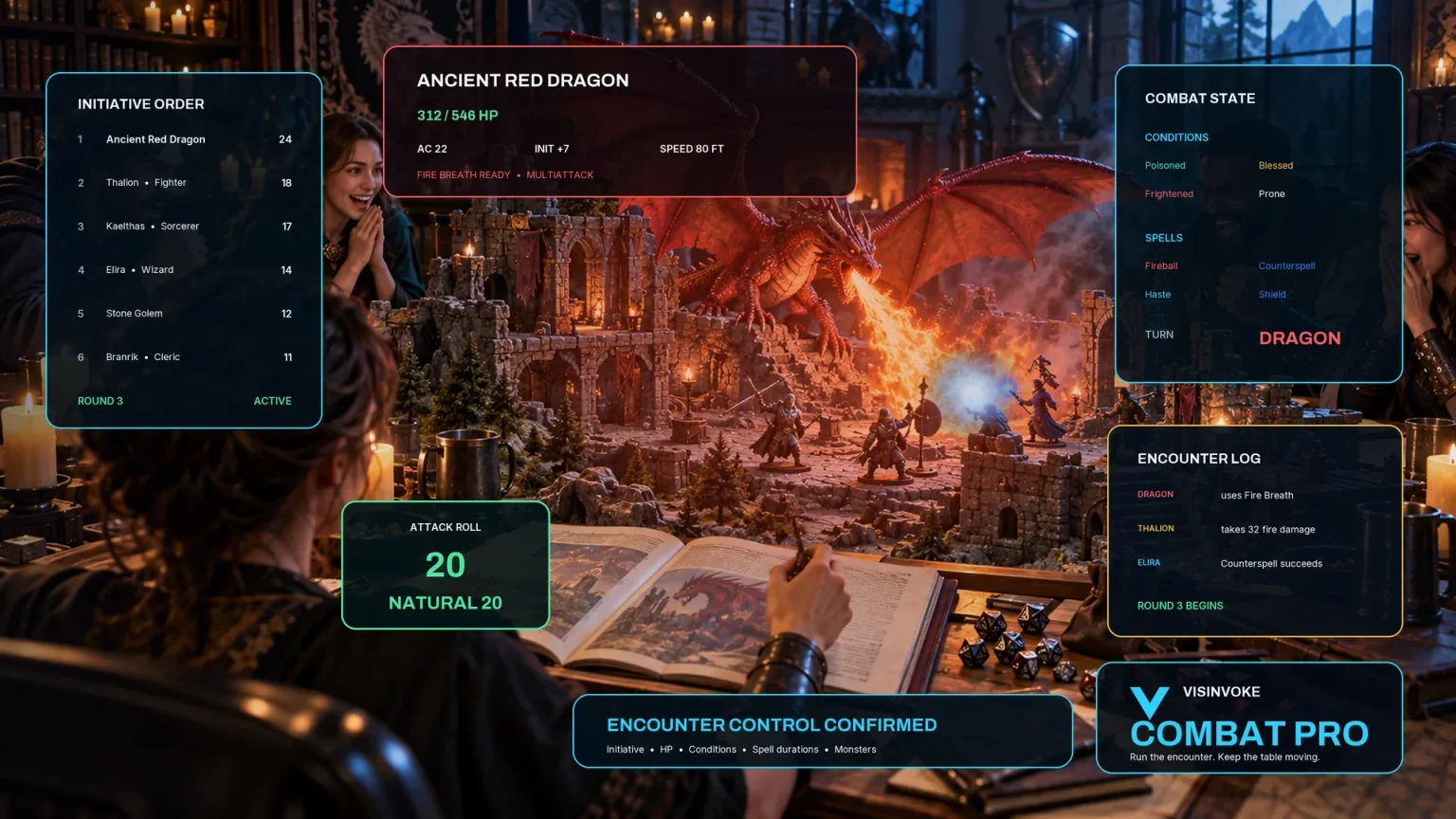
Use the dedicated encounter workspace for combat. Doorway Disaster Generator prepares a self-contained comic moment without a Combat PRO handoff.
Artwork illustrates fictional doorway moments and related products, not application screens.
Questions and answers
Comic details, practical responses, saved records and account access at a glance.
An ordinary door, gate, hatch or curtain. Describe the scene, who reaches it first, the tone and the small problem you want: a stick, creak, bell, spring-back, push-or-pull confusion or two people trying to pass together.
A short read-aloud line, how the moment looks, practical ways through and an ability left untouched. Start with the table line, then use the fuller record when you need a little more detail.
The generator is for harmless doorway comedy. Use another tool for a lock puzzle, trap, ambush, injury, breakage or dramatic entrance. Keep any scene outcome or stealth decision with the table rather than turning the joke into a forced failure.
Name an ability to protect, shape the practical responses, add an avoid list and private Dungeon Master context. A clearly labelled rule suggestion is an optional aid when it helps the moment. Edit, lock and reroll before using the result.
Save records through your account, reopen, rename, duplicate and search them, add tags and annotations, delete old material and revisit a twelve-version history. Copy the table line, full Dungeon Master record or player-facing view, download the structured record or print. Review private notes before sharing.
Open the Generators collection in Desktop Control Centre on Windows through your VISINVOKE account. Review individual subscription access and current pricing in your account. A free account is separate from paid generator access.
Continue in VISINVOKE
Create a free VISINVOKE account or sign in to your existing account. Get Desktop Control Centre through your account installer page.
Open the Generators collection on Windows. Review current subscription and access details in your account.